How-To-Sheets
Steps to swap VIN format in Karavan’s Syteline system
Step one: Log in to Syteline - Factory Track then log in to the site that you want to modify.
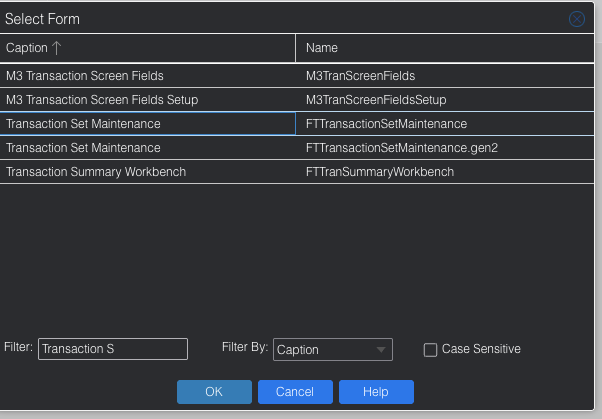
Step two: Click Form open and type Transaction Set Maintenance.
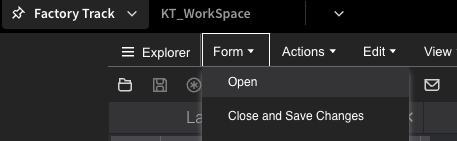
Step three: Click on the Transaction Set Maintenance form. (Not the gen2 one.)
Step four: Scroll to the bottom of the form you will then see VIN. Click that.
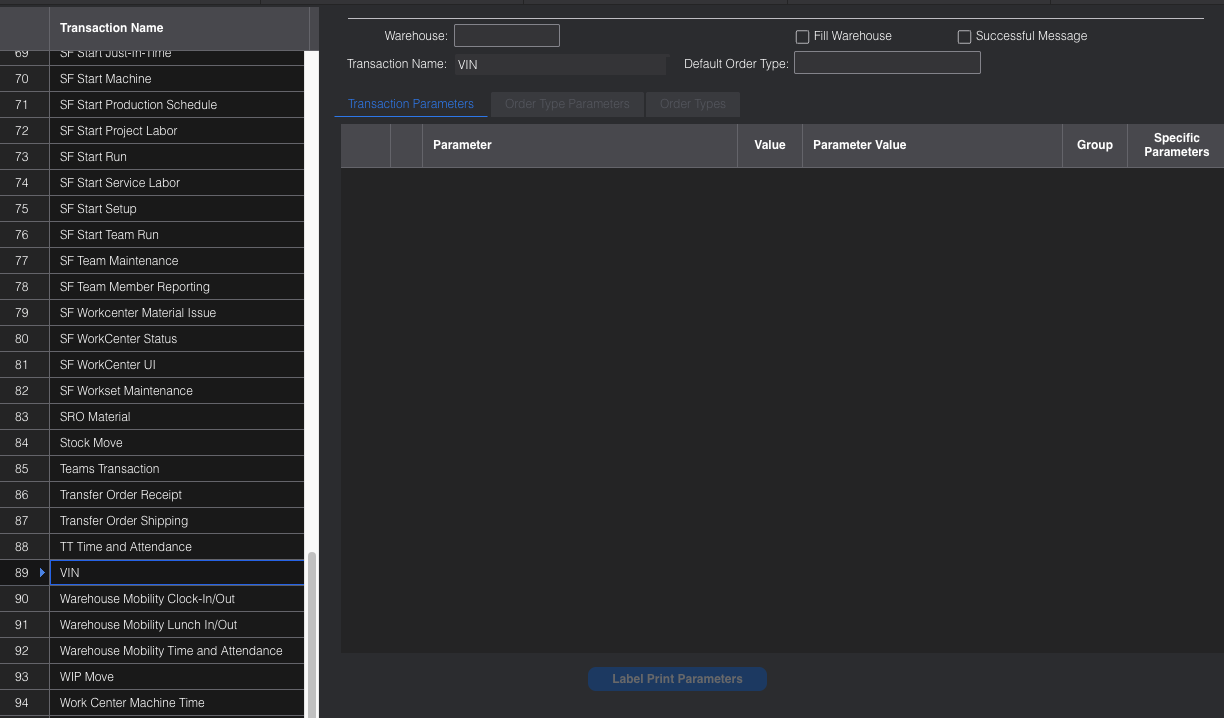
Step five: Click Label Print Parameters. It LOOKS gray but you can click it.
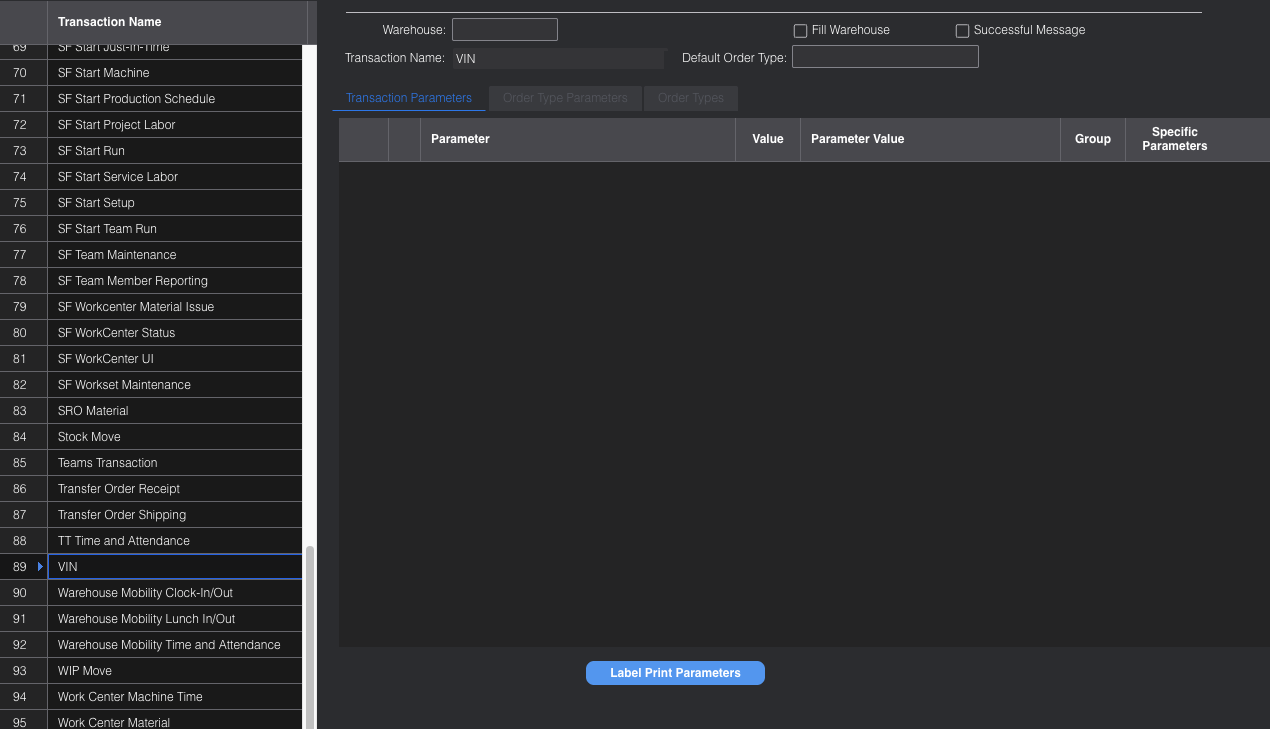
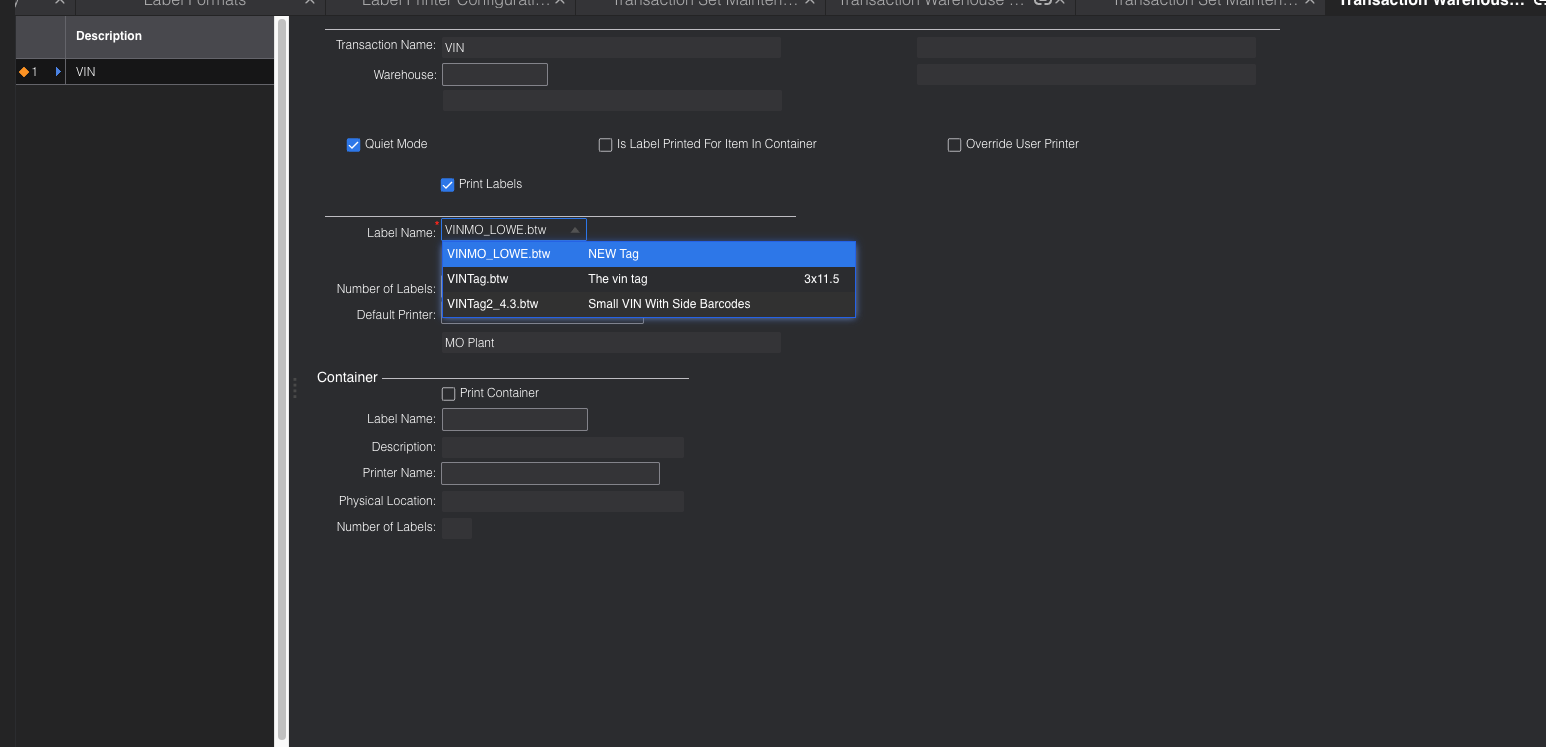
Step six: Click the Label Name dropdown and select the new label format.
Step seven: Click the Save button. (Looks like a floppy disk icon)
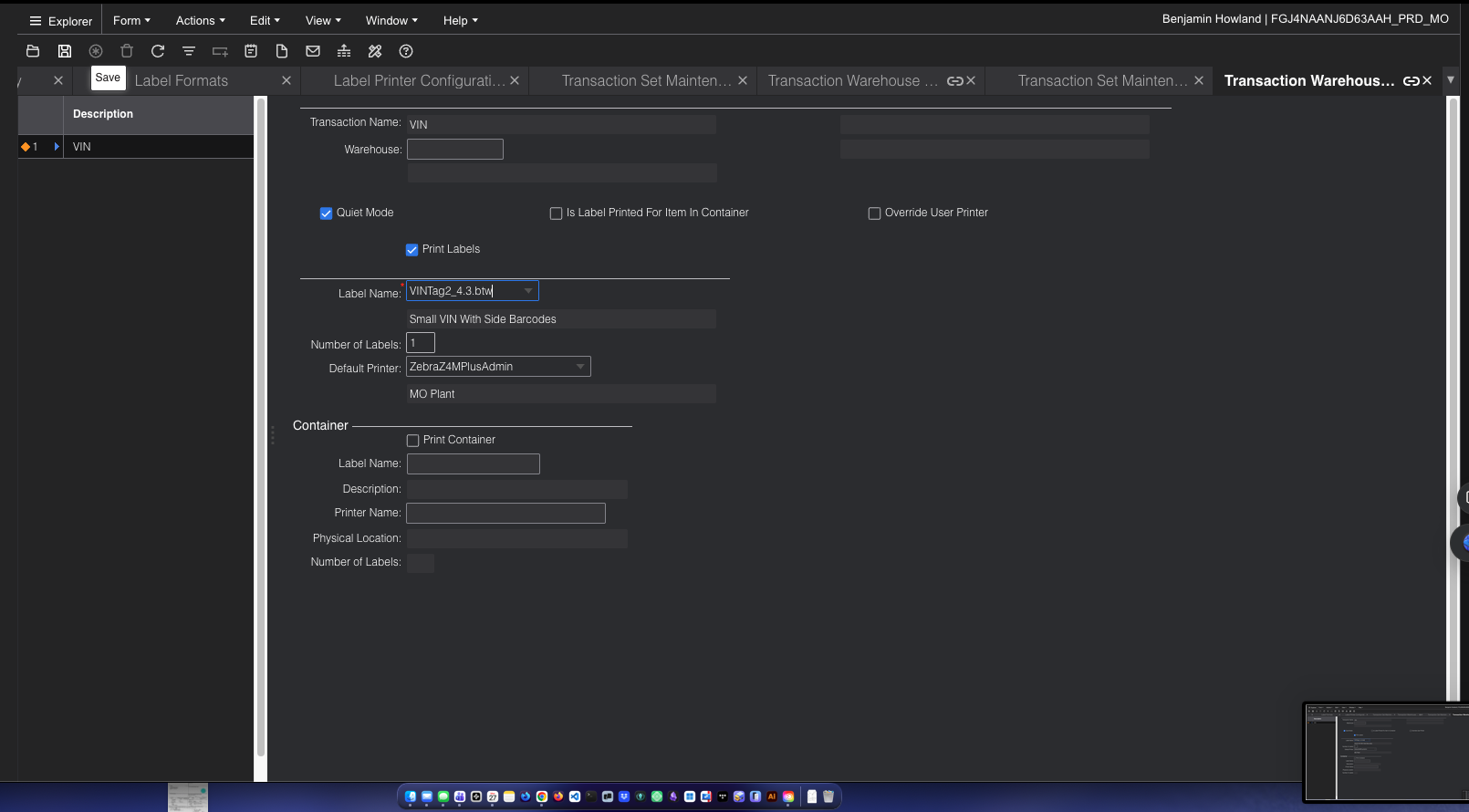
Step eight: Close the Transaction Set Maintenance form.
Step nine: Celebrate! You have successfully swapped the VIN format.